Feedback Changes
Usability tests reflected weak points of the application, which affected overall user experience.
A high number of feedback suggestions was collected, an effort was made to respond to that feedback as fast as possible, which resulted on changed on our user interfaces.
Settings button
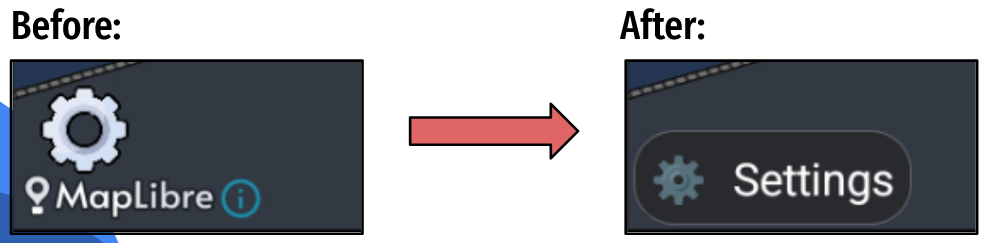 A new settings button was created, with the objective of reflecting more it's functionality as a clickable
Settings button
 Weather Alerts now have the border color of the warning (for example: Yellow Warning now has a yellow border).
Overtaking Alert
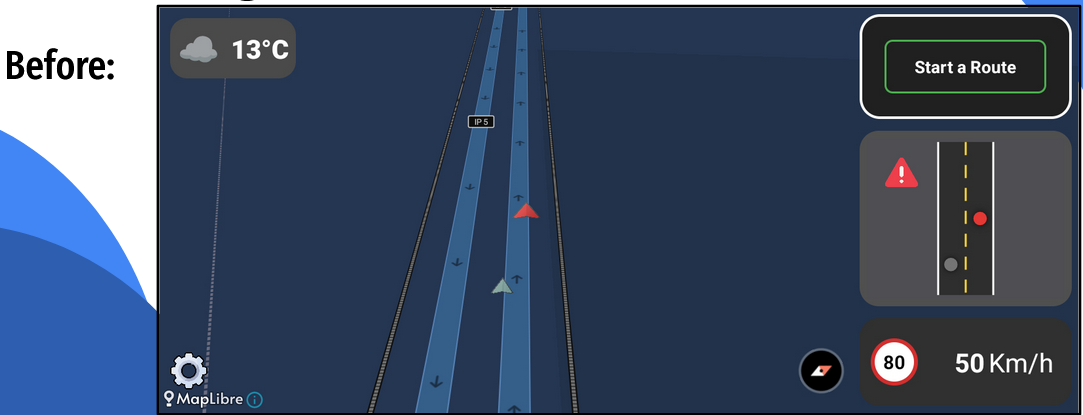
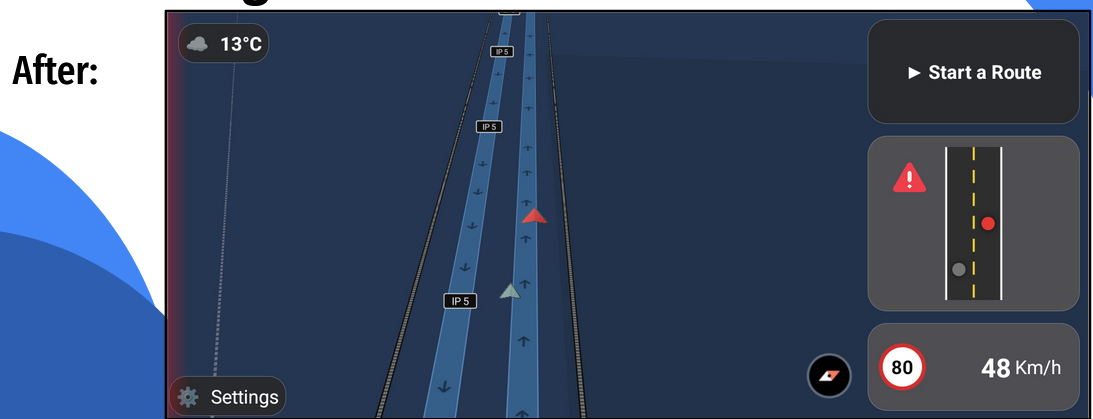
Overtaking alers now have a red blink on the direction of the overtaking, making overtaking alerts more understandable while not being overwhelming, as they are very frequent.
Sound Toggle
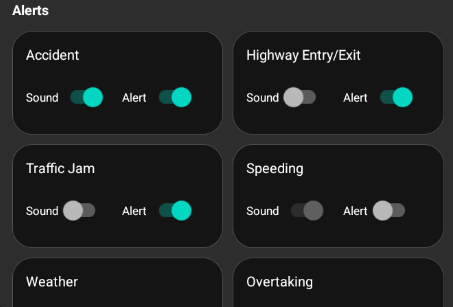
Sound toggle was changed for better understandibility, it is now a regular toggle instead of a clickable icon. This toggle is also altomatically off when the alert is off.
New UI
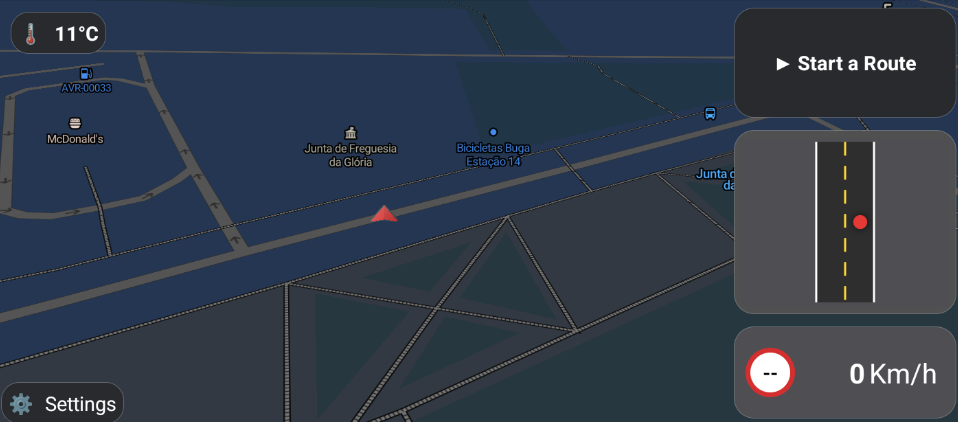
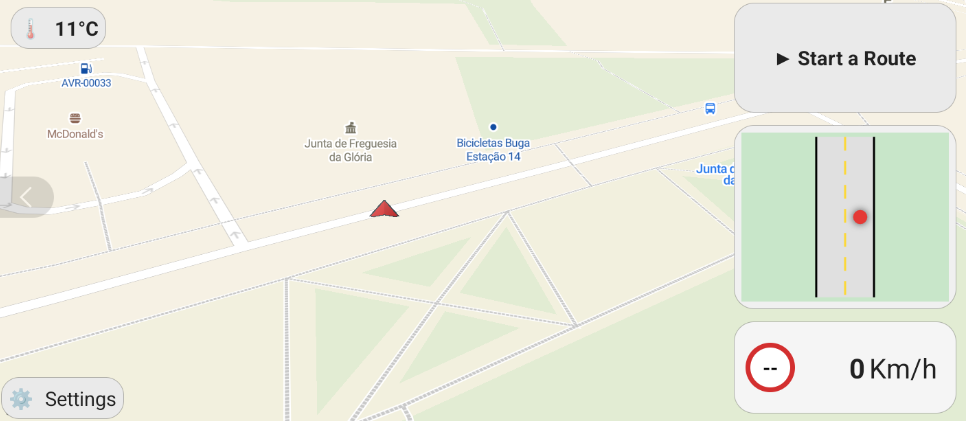 The new UI of the app has more uniform components.
On Dark mode non clickable components are gray, while clickables are darker, which aims to easen the indentification of buttons.
This change is also reflected on the White Mode of the app.
Tutors:
- Rafael Direito (rafael.neves.direito@ua.pt)
- Diogo Gomes (dgomes@ua.pt)
Group:
- Diogo Nascimento (dca.nascimento5@ua.pt)
- Duarte Branco (duartebranco@ua.pt)
- Eduardo Romano (eduardo.romano@ua.pt)
- Filipe Viseu (filipeviseu@ua.pt)
- Samuel Vinhas (samuelmvinhas@ua.pt)
Institution: Telecommunications Institute of Aveiro (ITAv)